Need something custom?
Create a prompt for your exact task, context, and requirements.
The thinking behind the templates
Why this structure works.
- 01
Start with the deliverable
Every card requests artwork directly. You are not asked to generate a second prompt before making the image.
- 02
Make important details inspectable
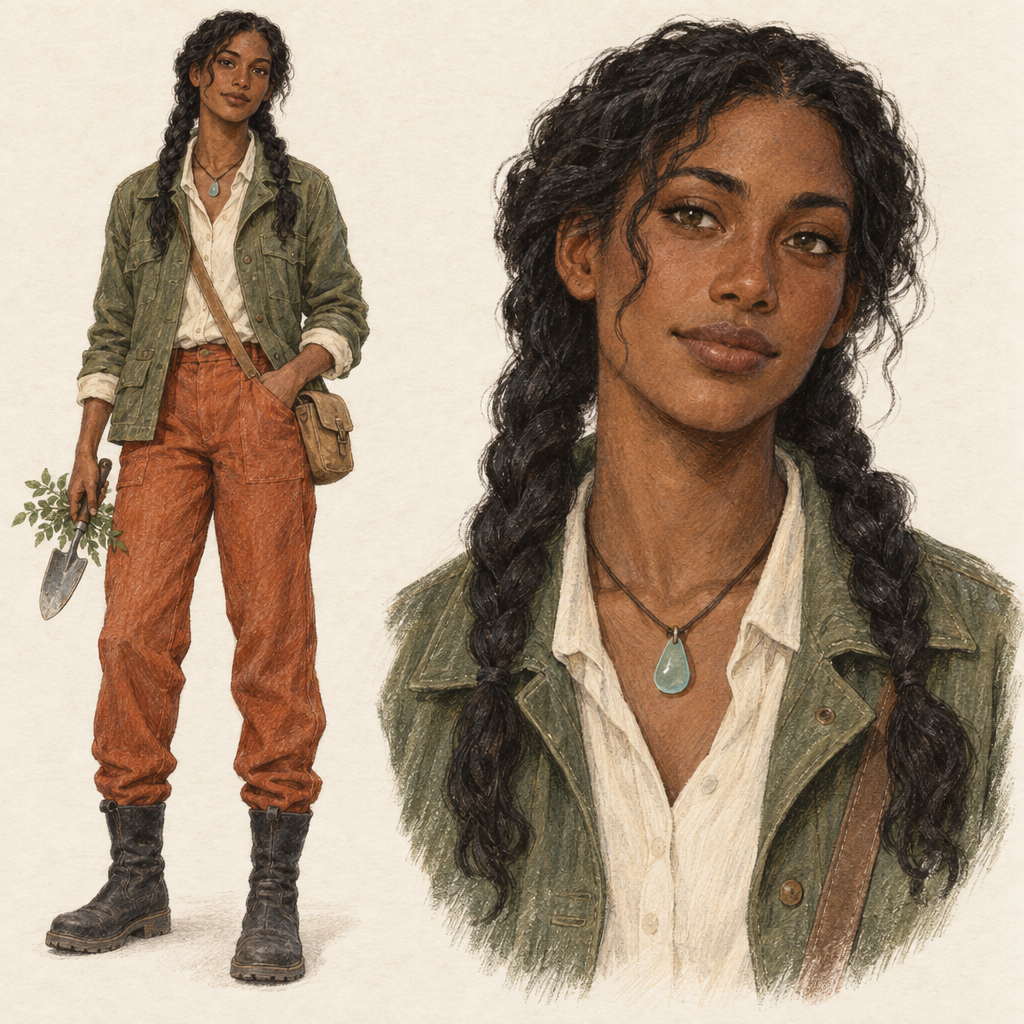
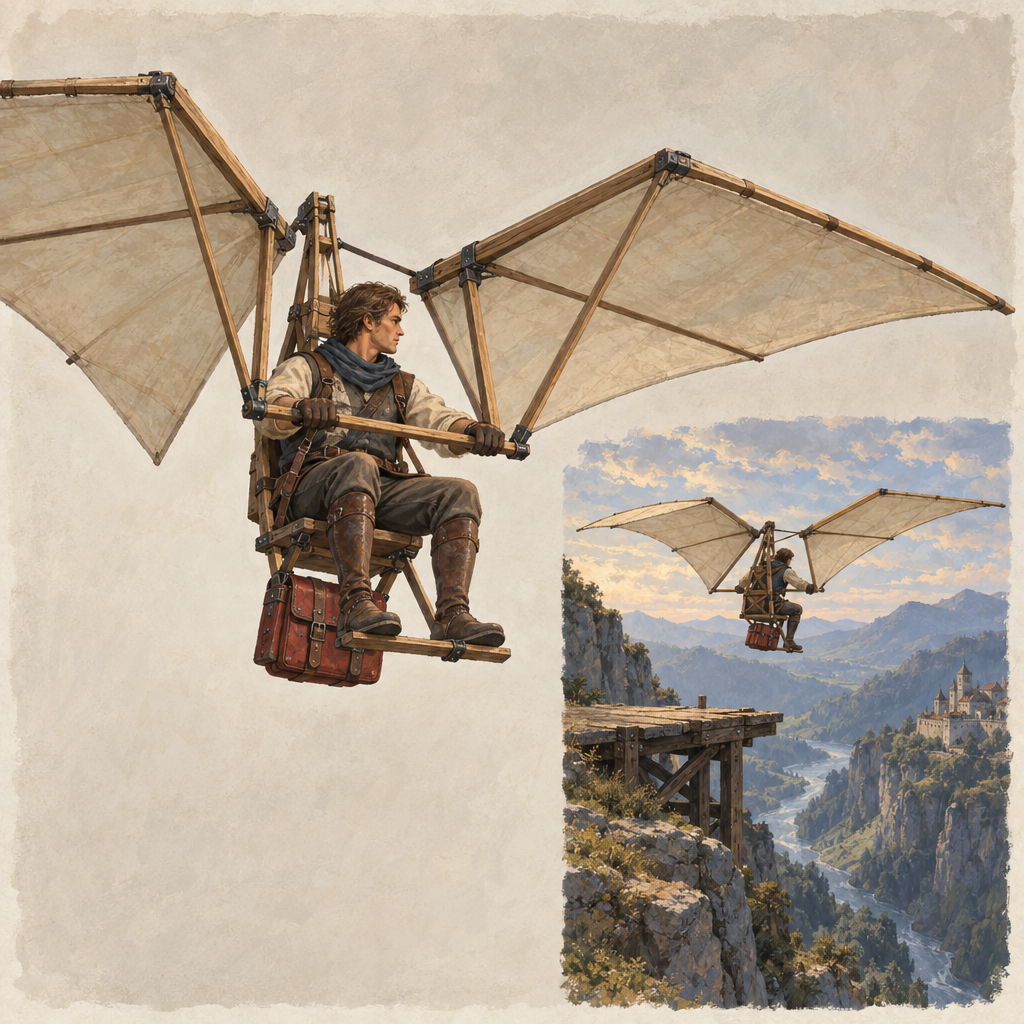
The OC sheet pairs a complete figure with a closer facial study; the concept board pairs construction with use. Each layout asks for evidence you can look for, not just an attractive mood.
- 03
Give invention a boundary
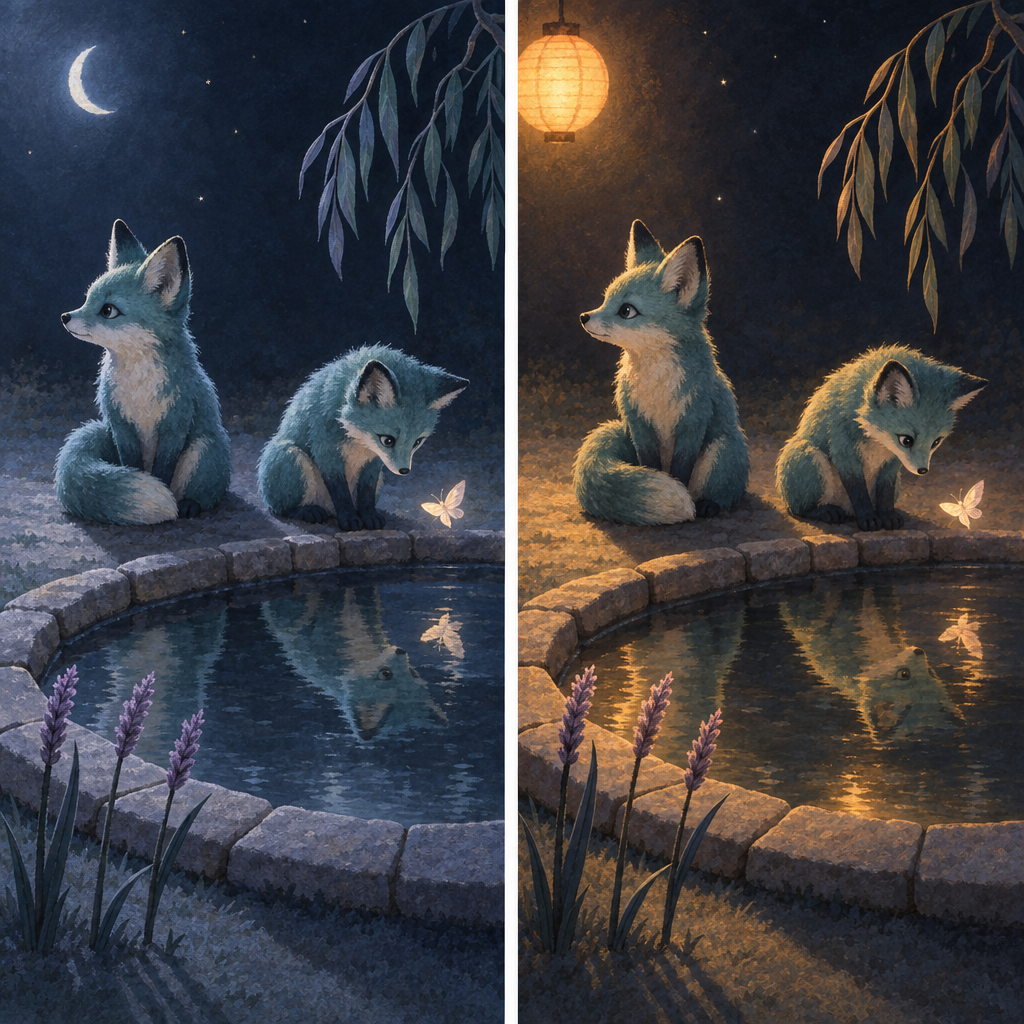
The random card separates what stays from what may surprise you. The comparison card names the one property allowed to change, so unplanned differences have a clear review standard.
- 04
Keep direction separate from proof
Ranked limits, material assignments and character positions express your intent. They do not guarantee compliance; the accompanying checks tell you what to verify.
How to use
- 01
Choose the decision you need to make. Start with the base card for one scene; use a specialist when the job is surprise, identity, function, worldbuilding, materials or a visual comparison.
- 02
Fill only that card's fields. Use a shareable fictional or approved brief, name the details that must remain fixed and leave optional choices open only when the stated defaults suit you. Replace 'as before' or a reference filename with actual visual details.
- 03
Copy the complete filled prompt into an image-capable tool. Select a compatible canvas shape in that tool when available. These are prose instructions; consult the composition, medium and lighting guidance before adapting them to a tool with different prompt conventions.
- 04
Inspect the most important requirement before judging polish. Keep the filled prompt and resulting image together. If something misses, change one requirement into a clear desired state; use an actual image-editing workflow instead when existing pixels or a reference identity must be preserved.
Run a quick quality check.
Ready-to-use checklist
- The focal subject, action or design purpose is understandable at a small viewing size.
- The requested counts, major shapes and spatial relationships match the brief.
- Colors, materials, costume details and props belong to the intended object or character.
- Important silhouettes and contact points remain visible; any space reserved for later layout is usable.
- Paired views depict the same design, and a visual study differs mainly in the property you selected.
- The actual crop and file dimensions suit the intended use, and no invented lettering or unrequested features have slipped in.
Small choices that improve the result.
Make it stronger
- State why a detail matters when it changes the picture: 'show the loading opening because the design must be understandable in use' is more actionable than 'make it detailed'.
- For an established OC, record a few defining markers before adding atmosphere. Include the character's own left or right when an accessory is asymmetric.
- For a visual joke, keep the setting or the character's reaction matter-of-fact. Let one unusual activity carry the humor instead of making everything strange.
- For a useful comparison, keep the chosen property out of the must-keep list. A locked blue coat cannot also become the palette experiment.
Common mistakes
Leaving the source in another chat
a name, filename or 'same character' does not supply the missing design. Paste the visible traits, or switch to a workflow that actually accepts the reference image.
Requesting several incompatible finishes at once
choose one primary medium, or compare two treatments in the study card instead of stacking them.
Calling a mismatch 'bad anatomy' or 'wrong color'
describe the visible correction, such as the hand's contact with a handle or the exact object that should be teal.
Choosing the prettier comparison panel without checking the scene
reject a comparison that also changed the character, props or layout in ways you did not intend.
Further guidance
Six art ideas you can start with
Use these original starters as the subject for a gallery card or as a drawing idea of your own. They are starting briefs, not examples of generated results.
- Quiet composition: A rolled coral scarf rests on a pale stone bench, with one end draped into a shallow pool. Frame the reflection as carefully as the scarf.
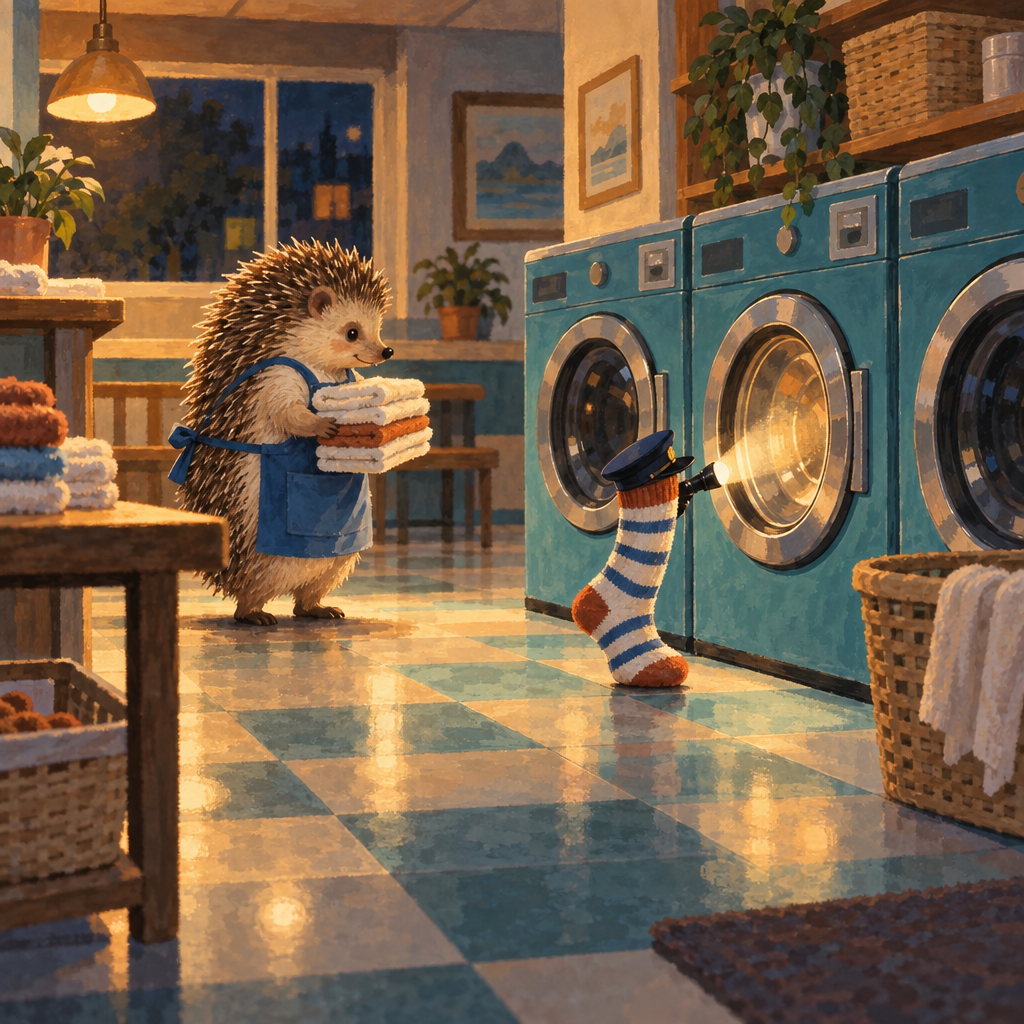
- Funny art: A solemn hedgehog irons the wrinkles out of one fallen maple leaf. Let the careful stance and oversized leaf carry the joke without a caption.
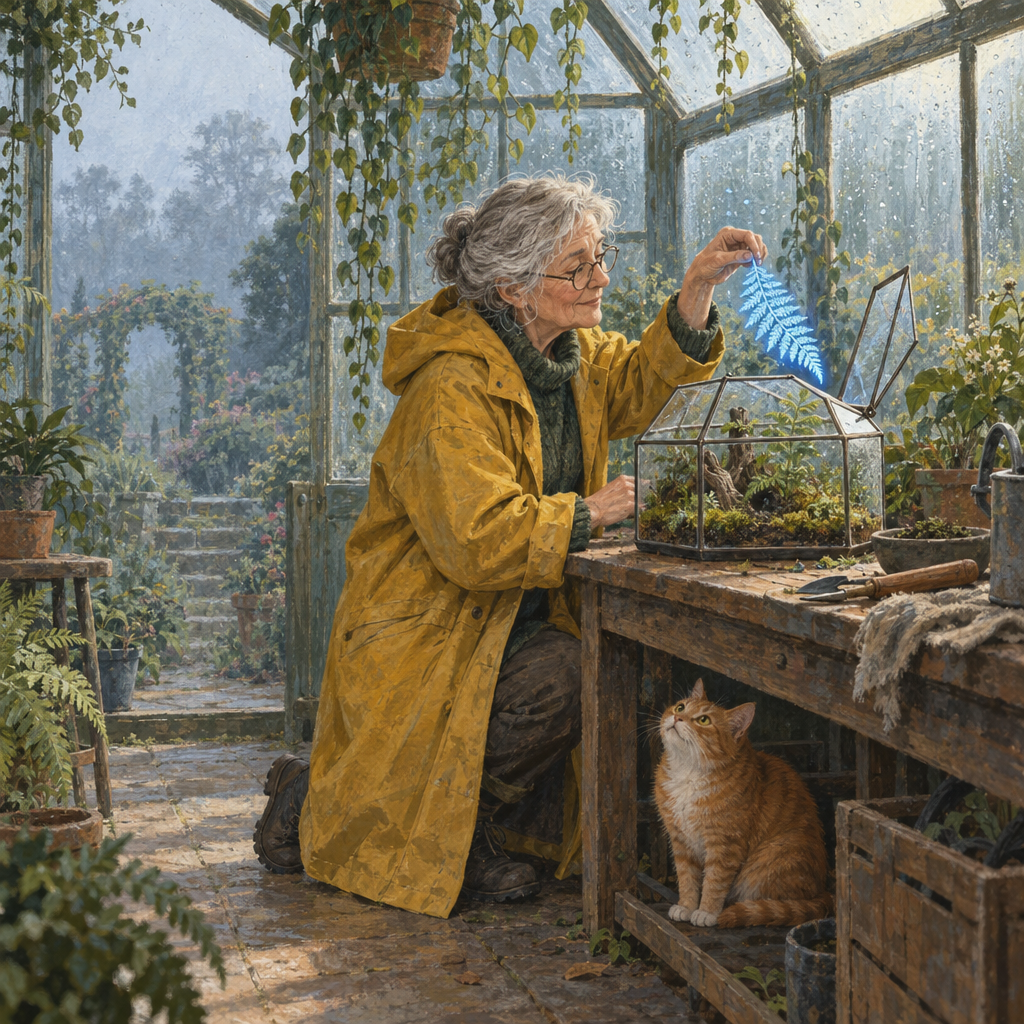
- Original character: An adult tidal-garden keeper wears a bell-shaped waxed cape and a coiled rope belt. Keep those silhouette markers fixed; leave the face and boots open to design.
- Concept art: A shoulder-carried seed chest keeps three compartments above shallow marsh water. Show the loading opening and how the user carries it with both hands free.
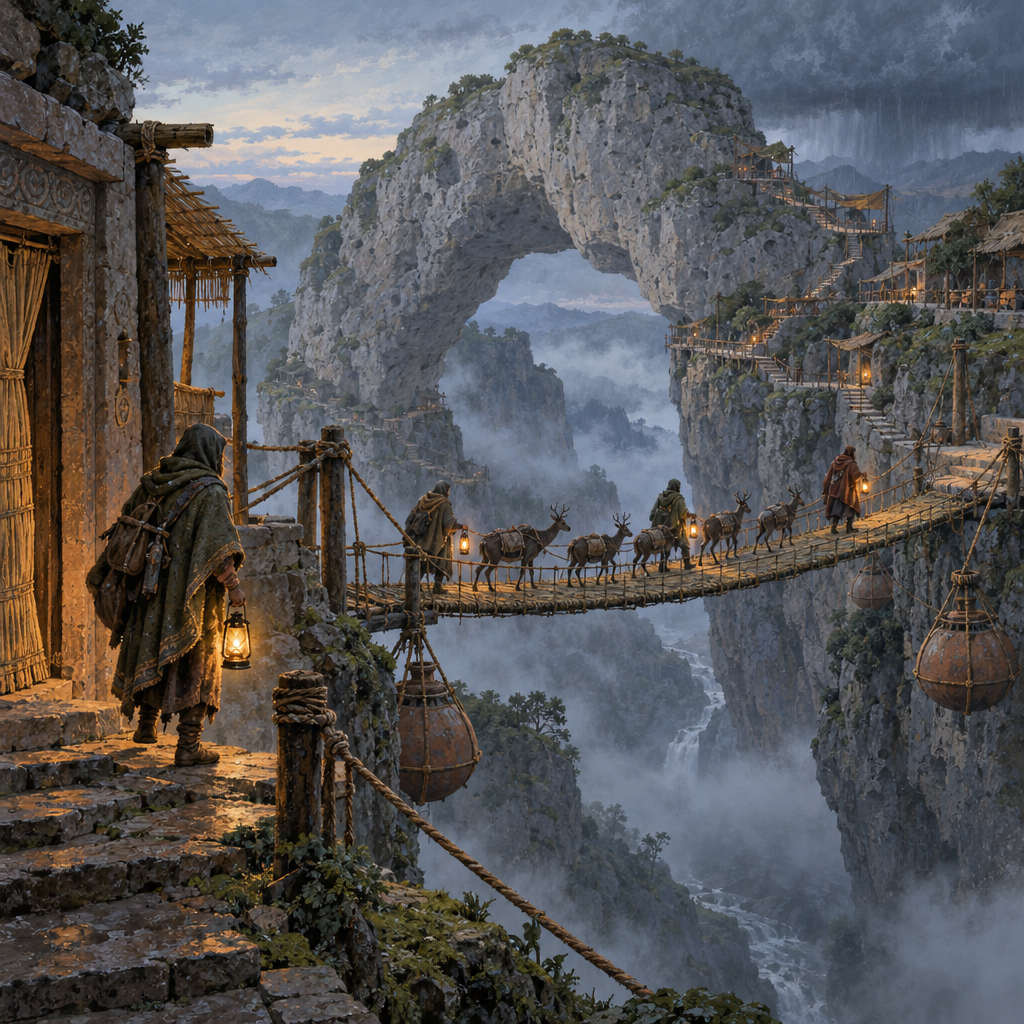
- Fantasy place: A hillside village lives inside giant flowers whose petals close at sunset. Show inhabitants moving along adjustable walkways as the flower homes begin to fold.
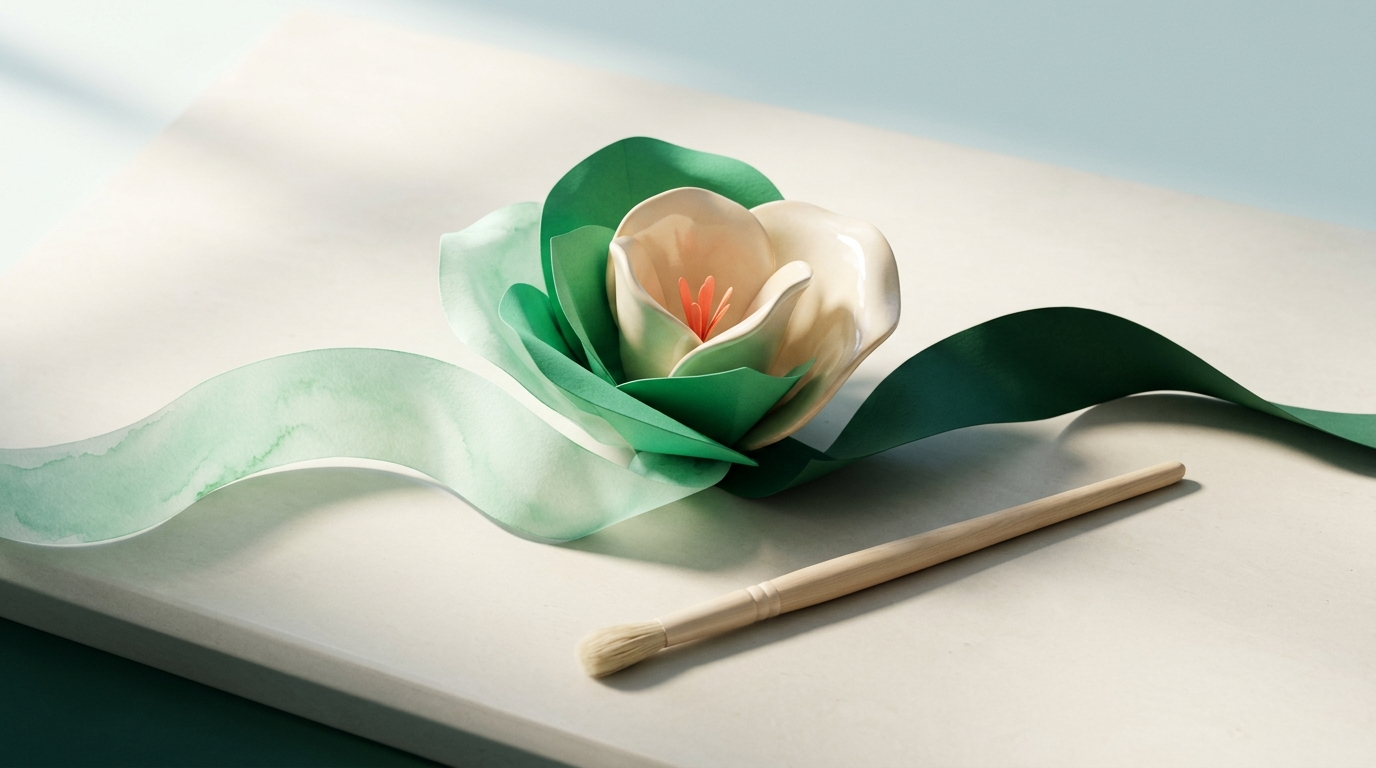
- 3D-look object: A folded-ribbon desk lamp has a matte teal exterior, an ivory inner face and a small copper pivot. Make the continuous curve, separate pivot and contact with the table visible.
Make composition, medium and lighting concrete
Describe the visible decisions, then adapt the wording to your image tool. Midjourney recommends concise descriptions rather than lengthy instructions; Google's image guide demonstrates fuller scene descriptions with camera and lighting details. These gallery templates are a prose starting point, not a claim of identical behavior across tools. (docs.midjourney.com)
Treat canvas settings separately from the wording. Google's image API, for example, exposes aspect ratio as a configuration option. If your tool offers a shape or size control, use it and inspect the exported dimensions. (ai.google.dev)
- Composition: name the camera height, the subject's location and one important overlap. 'Eye level, figure on the left, hands visible above the table' gives you something concrete to check.
- Medium: choose visible marks and edges, for example translucent pooled color or cut-paper shapes with slight shadows between layers.
- Lighting: name a source and direction, then say what it should reveal. Keep a face readable if expression matters more than dramatic shadow.
- Priority: separate the details that define the idea from optional decoration. If you adapt the prompt into a short visual description, retain those details first and keep provider-specific parameters outside the scene description.
Negative prompts and one-change repairs
Describe the desired visible state before adding a long exclusion list. Google's guidance recommends positive descriptions of the intended scene. Midjourney documents a separate --no parameter and notes that it interprets the words individually; that syntax is not a universal negative-prompt format. (ai.google.dev)
For another text-led generation, reuse the same card: rewrite the missed requirement, retain the details that worked and inspect both after the next run. This requests a new interpretation, not a pixel-preserving edit.
- An unwanted prop appears: replace a broad setting such as 'busy studio' with the few objects you actually want. Put the unwanted object in the exclusion field only if its absence matters.
- A color moves to the wrong object: name each assignment in a separate phrase, such as 'teal cup; ivory cloth; orange fruit'. Check every named object, not just the corrected one.
- A hand, foot or design feature is cropped: specify the full extent that must fit, with breathing room around it. Remove a conflicting close-up instruction.
- A comparison changes unrelated details: simplify the shared scene and repeat the study. If those changes still affect your decision, do not treat that pair as a meaningful comparison; use a source-image workflow for tighter preservation.
What it's for
Match the prompt to the job.
What this helps you do
- A visual draft shaped around your subject, chosen medium and framing.
- A character or concept study with identity details, construction or use made available for inspection.
- A side-by-side exploration of one visual choice, with checks for unintended differences.
Who it's for
Find the right fit for your task.
Start with the detail that matters most: a subject, a character, a mood or a design problem. These templates ask an image-generation tool for artwork—not another written prompt—and give you specific details to inspect in the result.
Artists with a loose idea
Turn a subject, mood or unusual relationship into a bounded visual brief without deciding every detail first.
OC and worldbuilding creators
Separate established traits and world rules from the details that are still open to invention.
Designers exploring a direction
Compare framing, light, medium or material treatment while keeping the intended subject available for review.
Illustrators planning a story moment
Make gesture, gaze and shared props carry a scene instead of relying on explanatory captions.
FAQ
What is the best art prompt generator for my project?
Choose by the output you need. For an assignment to draw yourself, use a drawing-prompt resource. For AI artwork, start with an image template that matches the decision you need to make. If an existing photo or exact character reference is essential, choose a workflow that accepts that image. This gallery is organized by task, not by a tested ranking of image tools.
Are these AI art prompts free to use?
SecondBrain's library identifies its templates as free to copy. That is separate from the image-generation service you choose; check that service's current charges and limits before running a prompt. Copying a template is not a promise of unlimited free image rendering. (secondbrain.is)
- AI Prompt Library: Ready-to-Use Prompts for Real Work — SecondBrain
Can I use a reference photo or preserve my OC exactly?
Not through these text-only cards alone. Supply the actual image in a tool's reference or editing workflow when it is essential, then verify the result. Reference guidance is not automatically exact preservation: Midjourney describes Image Prompts as inspiration and points users to its Editor for precise changes. (docs.midjourney.com)
- Image Prompts — Midjourney